How to get an open source AI chatbot (Mixtral) running on your local machine in about 10 minutes

This Week in Open Source AI...
Big news this week in AI-land, Mistral AI's new model was announced, and the AI folk are all a-flutter about it.
What's the big deal?
It was first subtly released as a torrent file before the marketing post was ready. ;)
It uses a Sparse Mixture of Experts (SMoE) model — meaning instead of training one super-smart expert model that knows everything about everything, it instead has smaller, specially trained models that are experts on a variety of topics and routes prompts to the appropriate one(s). This allows for more efficient learning and better handling of complex tasks with diverse sub-tasks.
It supports 7 Billion+ parameters, which are settings or values that a machine learning model uses to help it learn and make accurate predictions.
Thus, it outperforms GPT3.5 and Llama 2 in most benchmarks.
It's natively multilingual (supports English, French, Italian, German and Spanish)
It's open source (licensed under Apache 2.0)
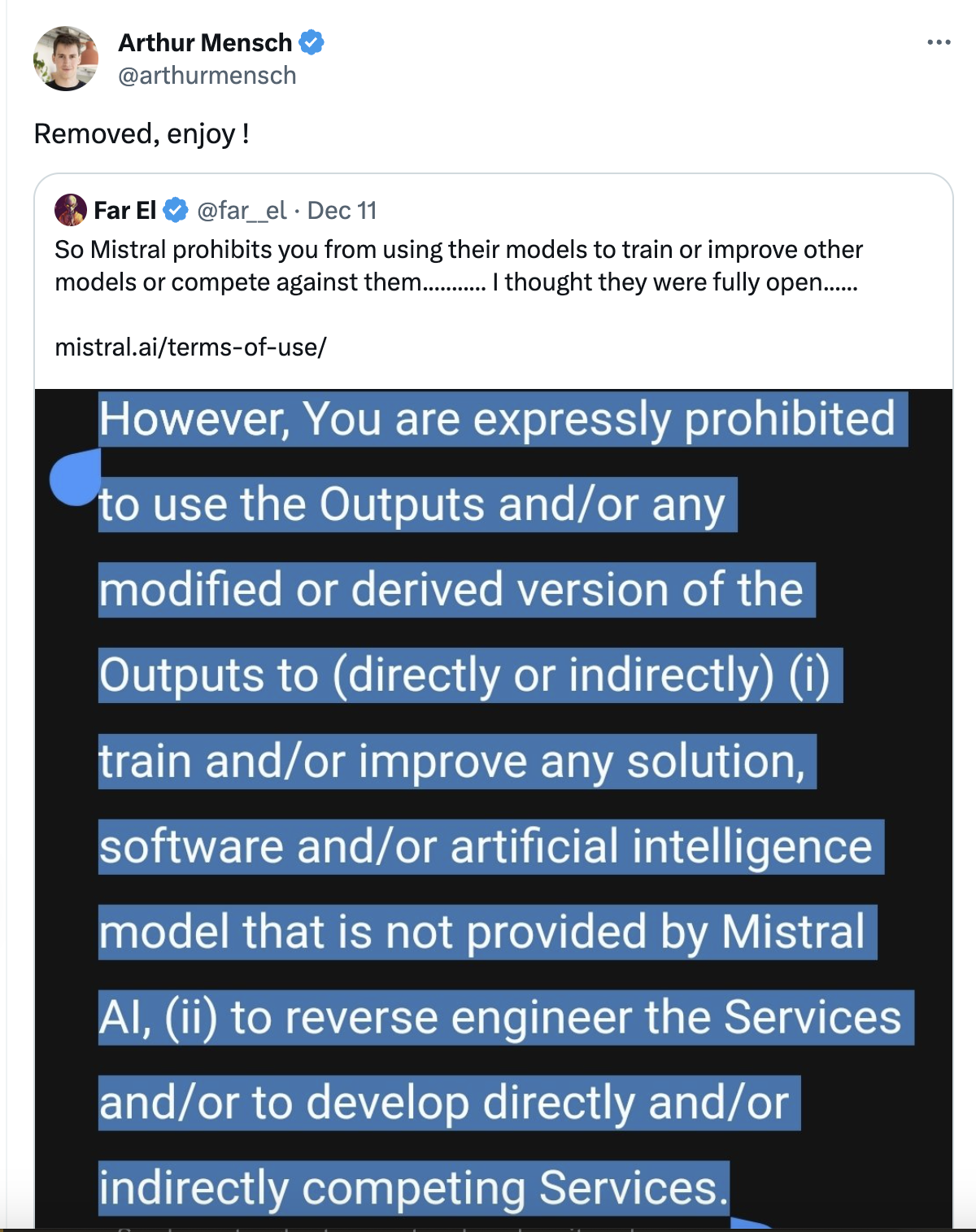
And finally, when a developer complained about their open source-iness conflicting with a part of their terms of use, the CEO just... changed it.
Cool! So how do I try it?
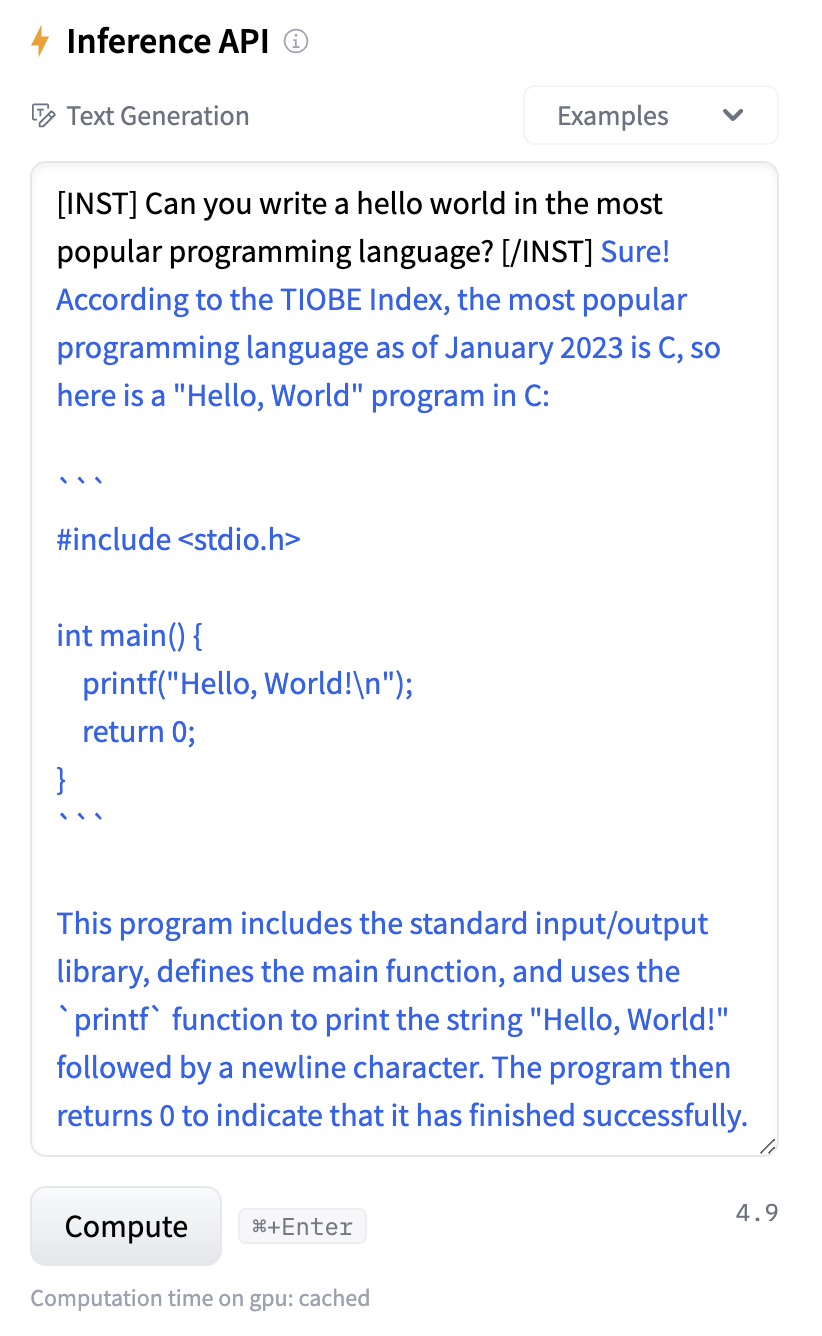
A quick and easy way to try it in your browser is to find them on Hugging Face (which is kinda like GitHub for Large Language Models), for example, Mixtral-8x7B-Instruct-v0.1 and use the little "Inference API" text box off to the side to type in your prompt.
However, if you want to play around with it locally, and you don't have a bunch of fancy-bananas GPUs just lying around, there's a great little open source project for that: Ollama!

With it, you can choose from any number of supported models and get it up and running locally, lickety-split. (You can also create and customize your own models, but I promised a 10-minute tutorial. ;))
Step by Step
Follow the instructions at Ollama's Download page for your operating system, or grab the Docker image (esp. if on Windows).
From the command line, type:
ollama run mistral- 💡If you want to try out a different model, check their library and use the
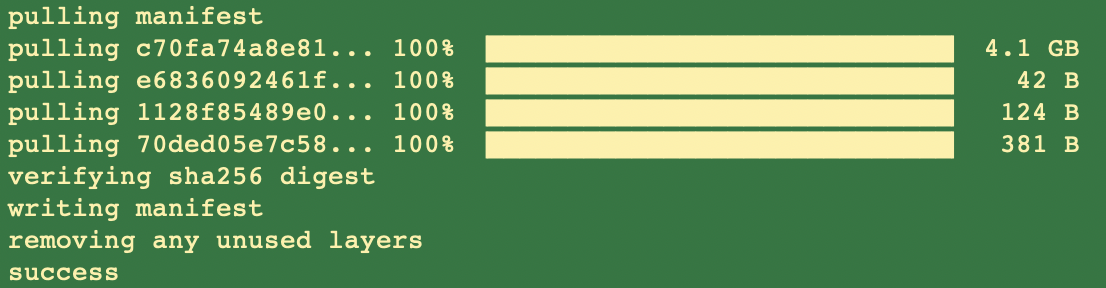
ollama runcommand listed on the model detail page. The first time this command is run, it'll download the model, which looks something like this:
Thereafter, as well as immediately after completing the download, you'll jump straight into the prompt and can start chatting! 😎
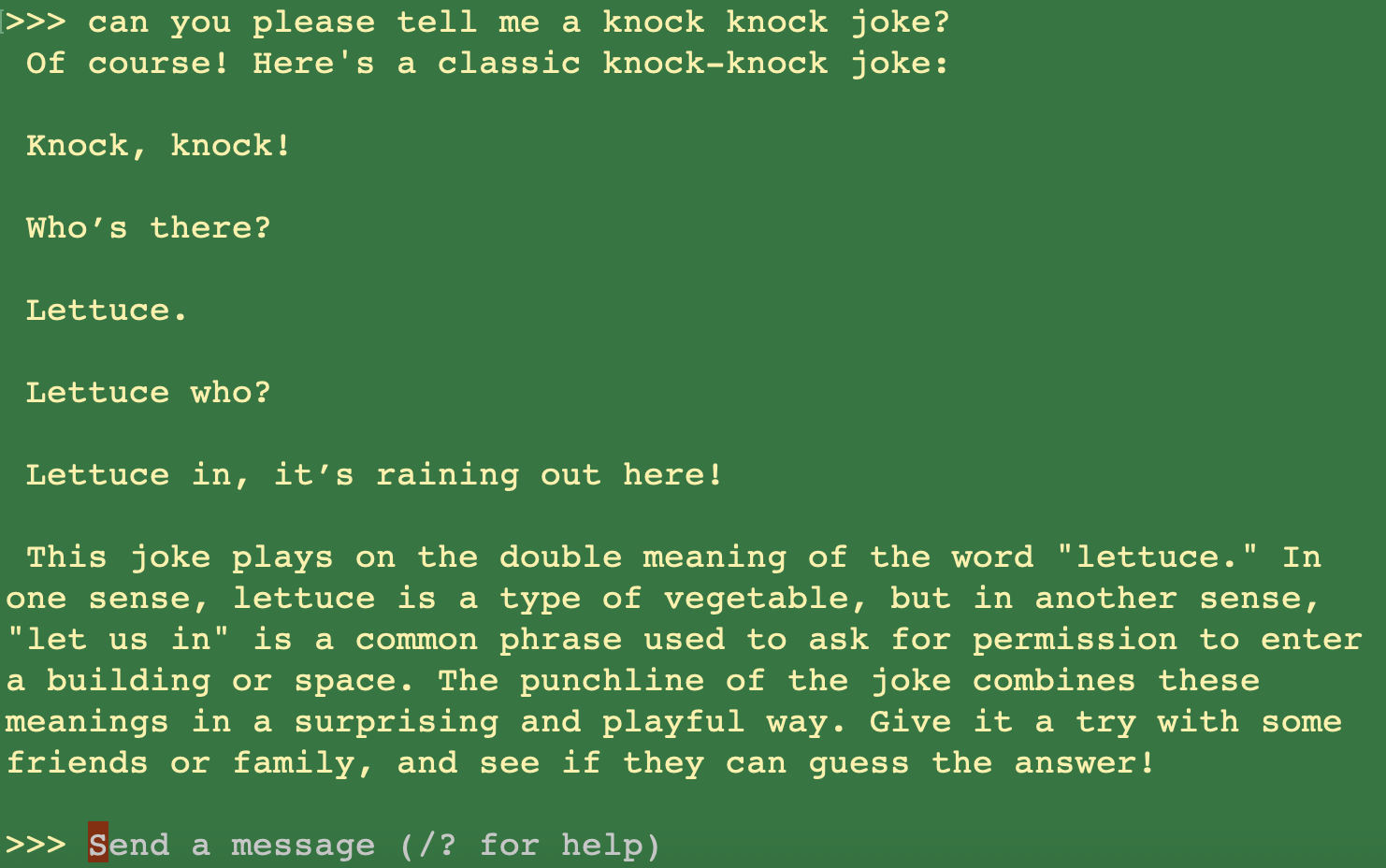
To get out, either type
/byeor useCtrl+D.
Where can I learn more?
Read Mistral AI's announcement, or, if you're feeling exceptionally fancy, their research paper.
Join the Mistral AI Discord community.
About the author
- Product, Developer Experience, AI, and Open Source. I explore how humans and agents discover, adopt, and use complex developer platforms. Drupal core committer, O'Reilly author, longtime open-source builder.
Comments
Join the discussionNo comments yet. Be the first to comment.
Angie's Practical AI Adventures
In this series, I cut through AI hype and show how to do real-world things with AI, warts and all.


