PostHog: Figuring out what the heck your users are doing on your product

What is PostHog?
PostHog is an open-source platform that helps teams analyze, test, observe, and deploy new features. They predominantly target Product Engineers, but aim to make their tools accessible to everyone on the Product team. They use ClickHouse on the backend and thus can log bazillions of things.
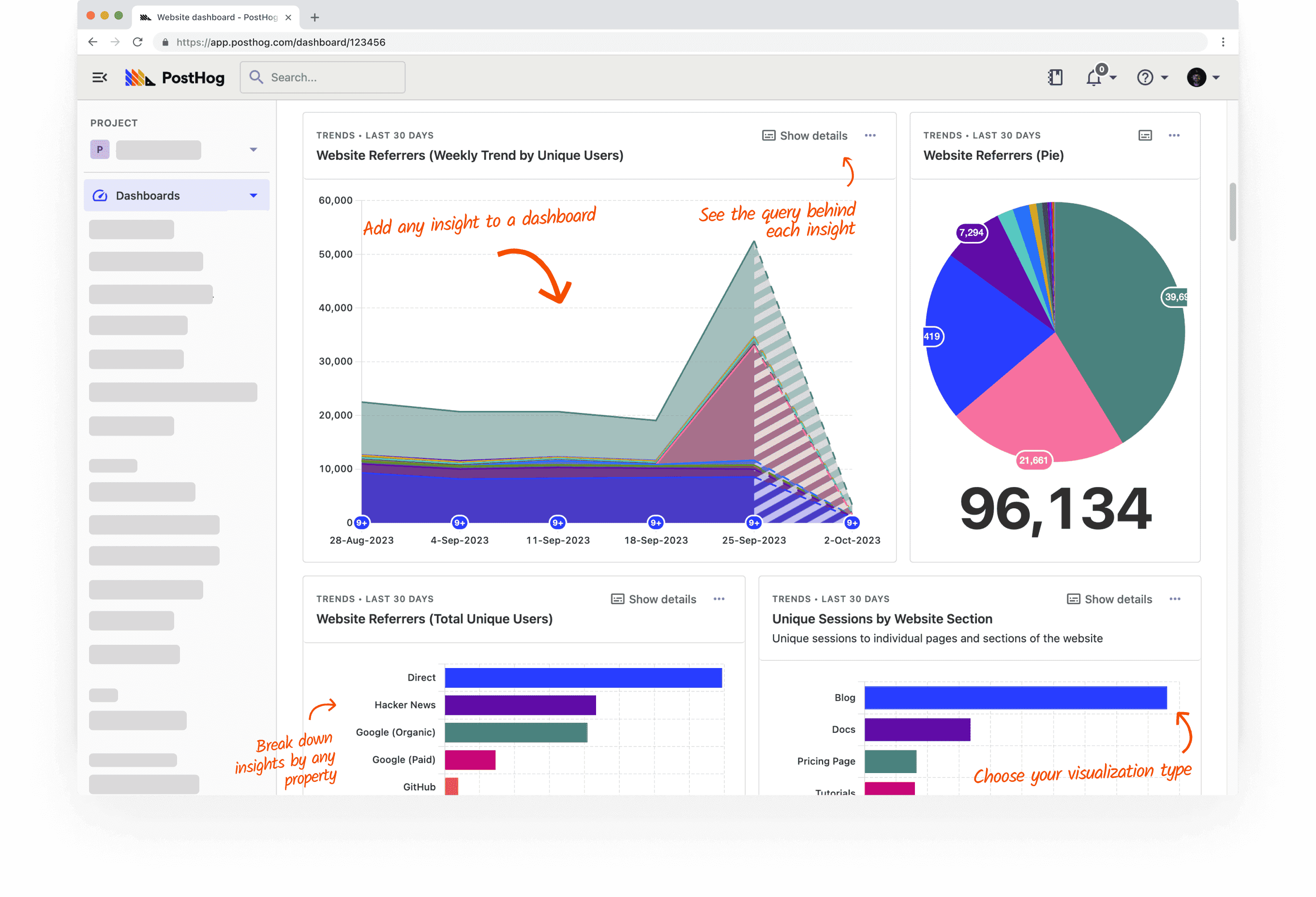
PostHog offers a number of very useful features for Product teams, including:
Product Analytics: Captures user behaviour in-depth through Events as your users interact with your product. You can then create Insights to visualize what's happening, and collect those visualizations into Dashboards for easy reference. (And if you're stuck for ideas on Dashboards, there are several Templates available.)
Session Replay: Captures and replays for you exactly what a user was doing while interacting with your product, including where their mouse went, what they clicked on, etc. This is great for discovering things like your customer journey, as well as the "why" of things you notice in Dashboards.
Various things to help with product testing, such as Feature Flags (to roll new things out to a subset of users), A/B Testing (experiment with different features to find what works best), and Surveys (collect user feedback from within your product).
If you prefer fancy videos, here's their demo:
If you want to see what's cookin' up next, here's their roadmap.
Sounds cool! How do I get started with PostHog?
PostHog has a Getting Started tutorial, but it unfortunately seemed to lack some necessary elements to actually get... started. :\
So here's what worked for me, playing around with a stock copy of Drupal:
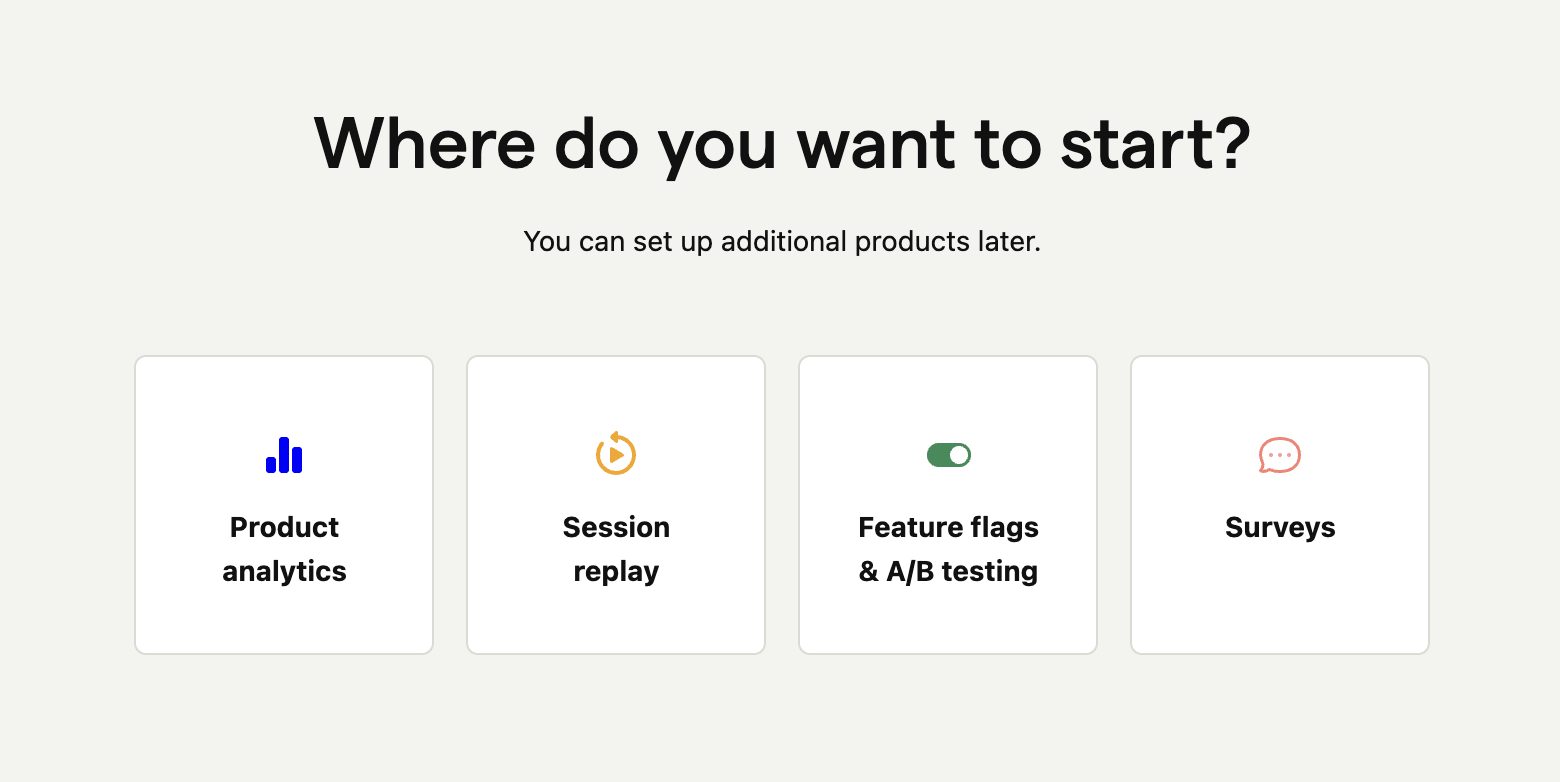
Once you go through PostHog's signup flow, on the main admin page, you'll see a selection of things to try. Select Product analytics.
This takes you to an onboarding flow with 4 steps. At Install, choose HTML snippet.
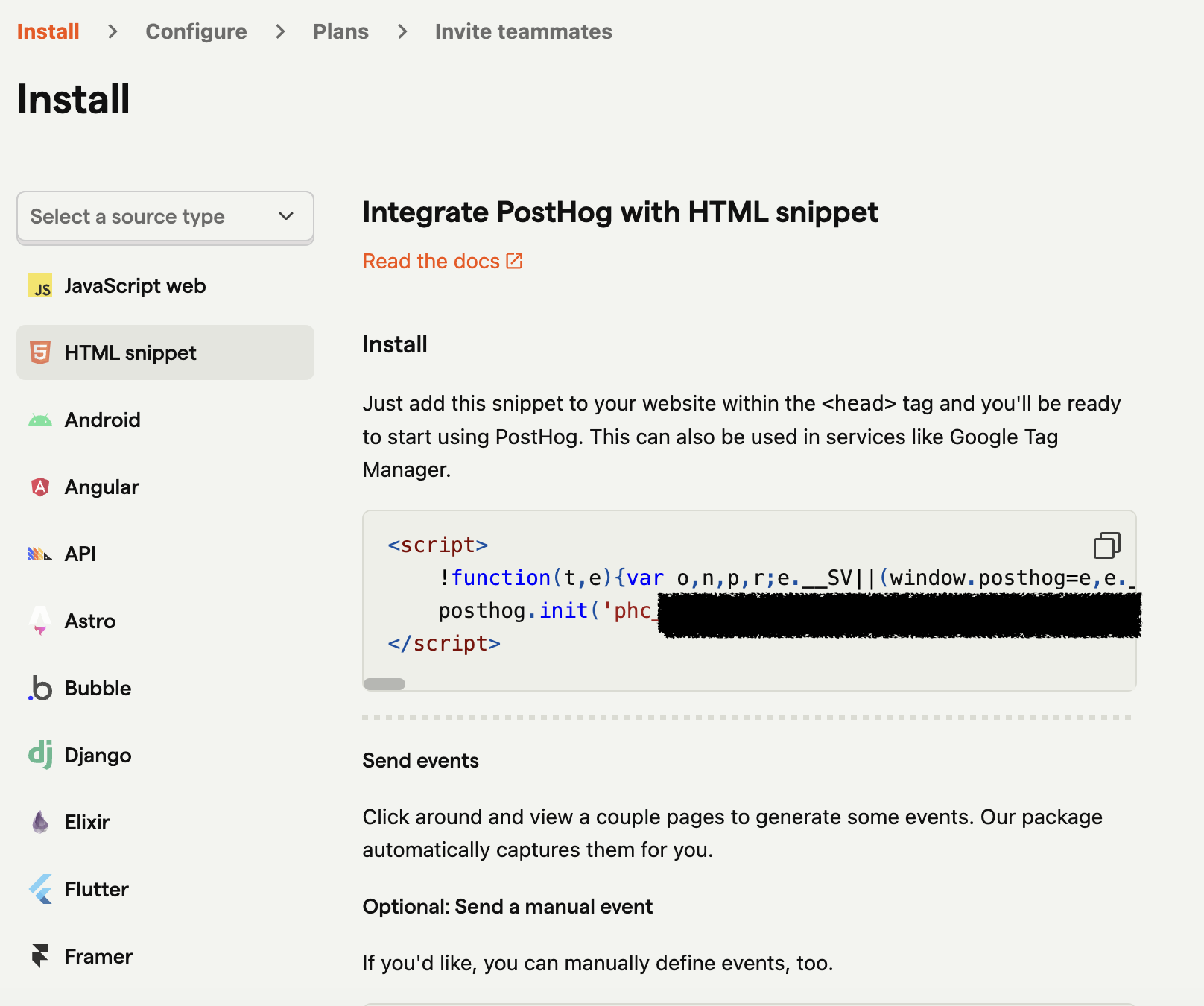
This will give you a chunk of JavaScript barf similar to the following:
 <script>
     !function(t,e){var o,n,p,r;e.__SV||(window.posthog=e,e._i=[],e.init=function(i,s,a){function g(t,e){var o=e.split(".");2==o.length&&(t=t[o[0]],e=o[1]),t[e]=function(){t.push([e].concat(Array.prototype.slice.call(arguments,0)))}}(p=t.createElement("script")).type="text/javascript",p.async=!0,p.src=s.api_host.replace(".i.posthog.com","-assets.i.posthog.com")+"/static/array.js",(r=t.getElementsByTagName("script")[0]).parentNode.insertBefore(p,r);var u=e;for(void 0!==a?u=e[a]=[]:a="posthog",u.people=u.people||[],u.toString=function(t){var e="posthog";return"posthog"!==a&&(e+="."+a),t||(e+=" (stub)"),e},u.people.toString=function(){return u.toString(1)+".people (stub)"},o="capture identify alias people.set people.set_once set_config register register_once unregister opt_out_capturing has_opted_out_capturing opt_in_capturing reset isFeatureEnabled onFeatureFlags getFeatureFlag getFeatureFlagPayload reloadFeatureFlags group updateEarlyAccessFeatureEnrollment getEarlyAccessFeatures getActiveMatchingSurveys getSurveys onSessionId".split(" "),n=0;n<o.length;n++)g(u,o[n]);e._i.push([i,s,a])},e.__SV=1)}(document,window.posthog||[]);
     posthog.init('phc_XXXXX',{api_host:'https://us.i.posthog.com'})
 </script>
Stick this code just before the closing
</head>tag in your website's HTML.💡In the case of Drupal, I just snuck this snippet into my theme'shtml.html.twigtemplate file. The "right" way to do it involves grokking Drupal's Library System, but that was quite too much for me at midnight. ;) Also, since it's Drupal and all, if you try this, make sure you remember to clear the cache, this and any other time you are even breathing near your site's HTML. 🤣The bottom of this page has a Check installation button. If you click it, you'll most likely be notified that no events have been received yet.
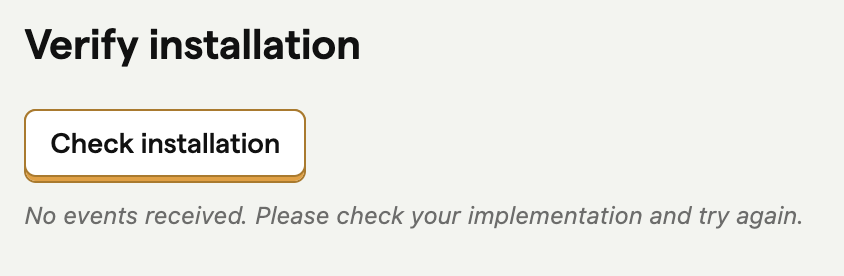
Not to worry. Go back to your website and start clicking around on things, then come back and try again. It should now read "Installation complete." If it doesn't, see Troubleshooting and FAQs.
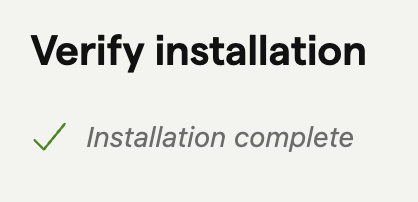
Click Next and/or Skip through the remaining steps. Among other things, this will turn on Autocapture, which automatically logs things like page views, clicks, input changes, etc.
When finished, you should be at a screen showing some amount of activity from the clicking around on your website that you just did. This is an example of an Insight, and you'll be making quite a few of these over time to make sense of all of the data PostHog is capturing.
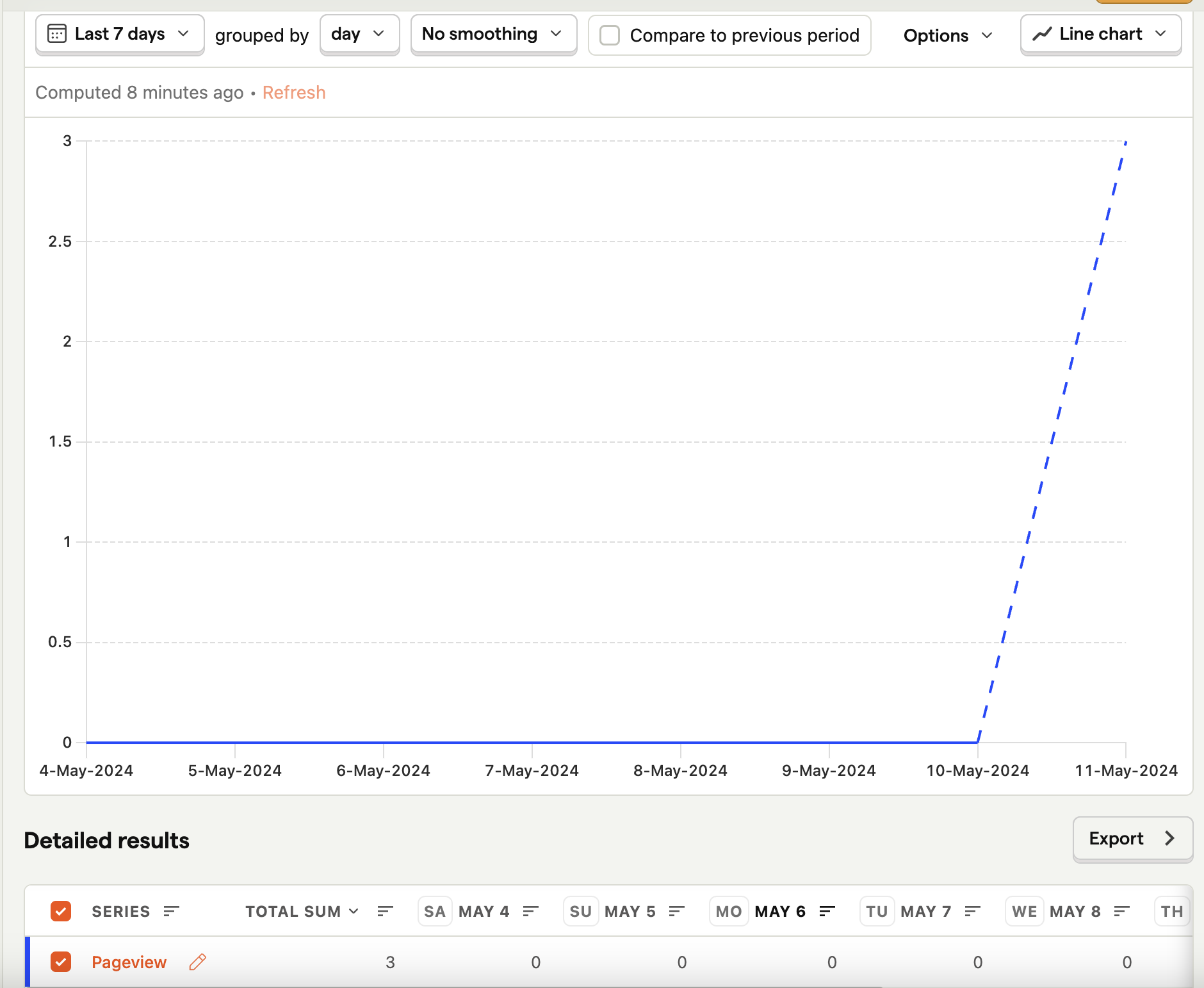
Click Save and you've now got your very first Insight — a Pageview count! From here, you can choose to add it to a Dashboard, or—if you're feeling extra fancy and want to embed these sort of charts dynamically into a document—a Notebook.
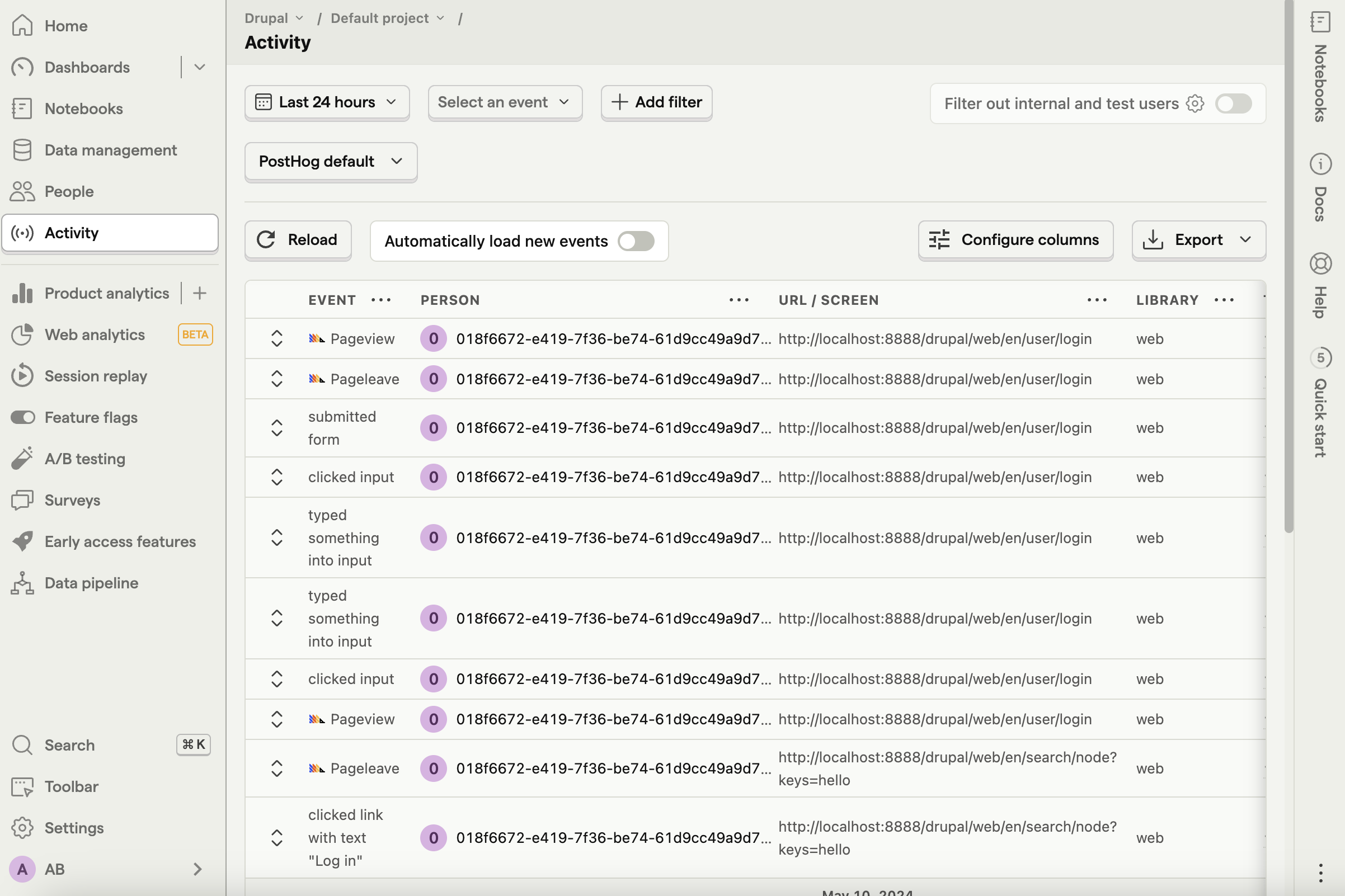
You can now check the Activity screen to see a running list of all the events that are being captured in real-time.
Stay tuned!
I'm out of time for now, but will be digging into this tool a lot more in the coming weeks thanks to the new Growth gig at Aiven, and hope to write some more of these soon. :)
About the author
- Product, Developer Experience, AI, and Open Source. I explore how humans and agents discover, adopt, and use complex developer platforms. Drupal core committer, O'Reilly author, longtime open-source builder.
Comments
Join the discussionNo comments yet. Be the first to comment.


